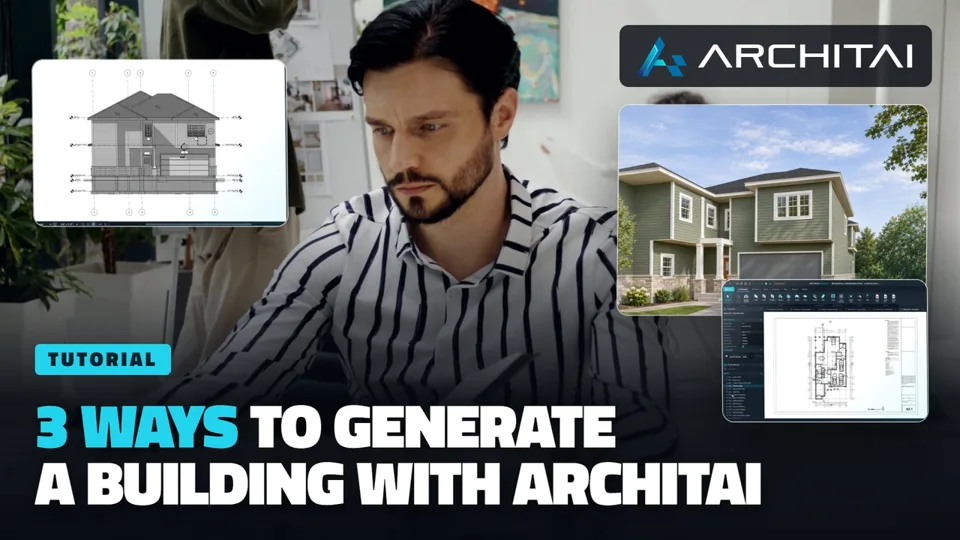
ArchitAI Design gives you three ways to create a building: ask the Copilot, use the building wizard, or draw it yourself. This tutorial walks through all three, from creating your account to a finished set of sheets.
What the tutorial covers
- Getting started: creating your account and opening ArchitAI Design from your Cloud workspace.
- Ask the Copilot: describe the house in plain words and get the model and its sheets.
- The building wizard: your brief, three generated floor plans, a style and its colours, then Build.
- Draw it yourself: walls, doors and windows, floor and roof, a sheet, a schedule, a section and elevations.
- Three ways, one model: mix them however you like.
Complete house plans in three minutes
The second video follows one wish list, four bedrooms, three and a half baths, two storeys and a two car garage, through the building wizard: to a 3D model, a set of drawings and photorealistic renderings.
ArchitAI plans are AI generated and may contain mistakes. Drawings are not issued for construction, please consult with a licensed architect or engineer.